


01
Open the Dashboard and finish setup
Choose your screenshot destination, interface language and Full page options.
Edit text, change images, remove elements and take screenshots right on the page—no code required, everything processed locally.

 ✓ No account · Local processing · Undo anytime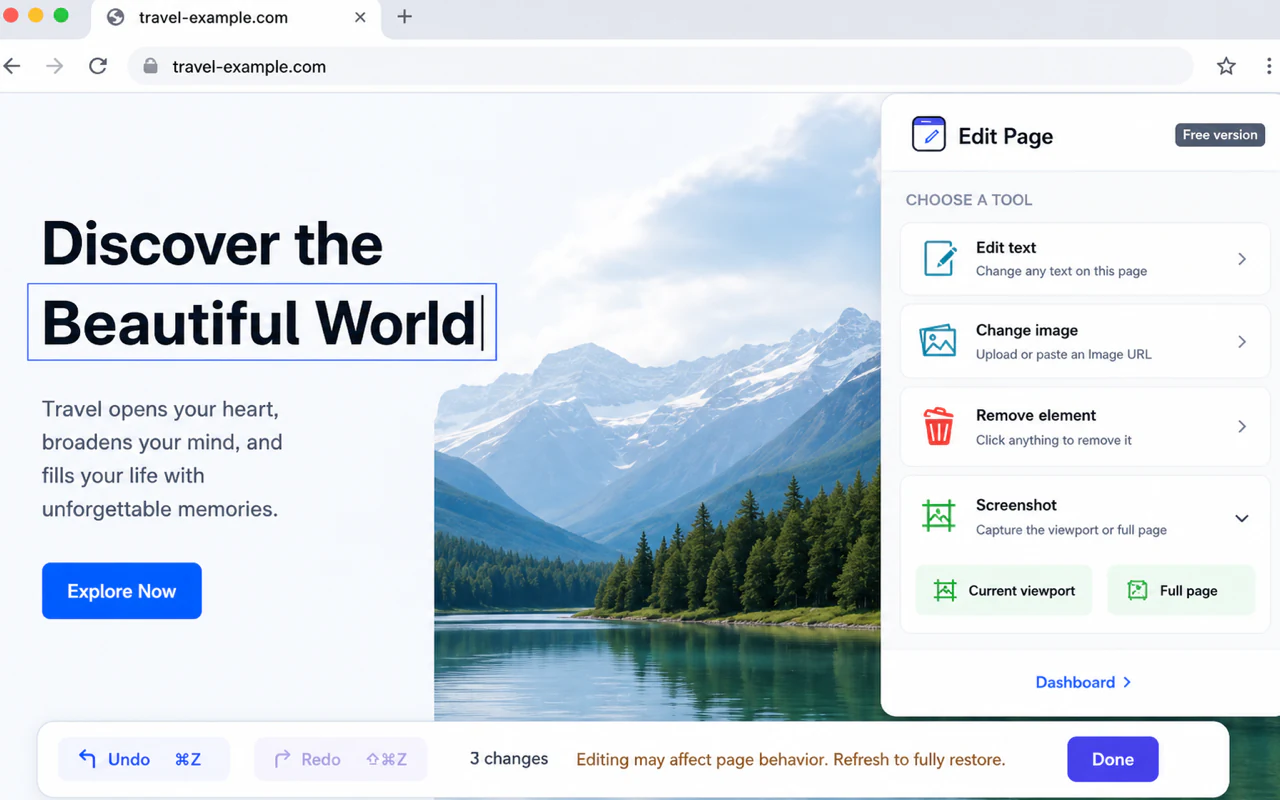
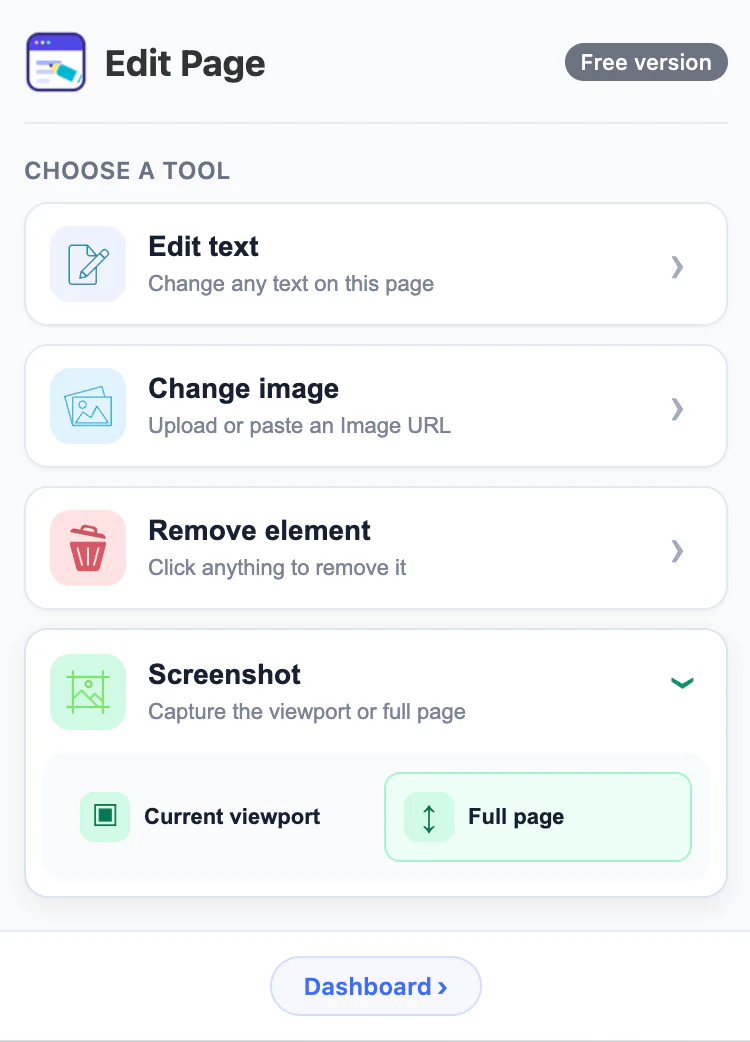
Edit Page processes webpage edits and screenshots locally in your browser. Your browsing history, webpage content, replacement images and screenshots are not collected or shared.
Editing only happens in the current tab you choose; screenshots are written only to your selected Clipboard or Download destination.
Passwords, browsing history and webpage content are not collected.
We do not track the sites you visit or the edits you make.
Replacement images and screenshots are not uploaded to our servers.
Install and start using Edit Page without creating an account.
From editing webpage content directly to saving screenshots, see the complete experience in a few minutes.
Watch on YouTube ↗ Premium
After purchase, open the Dashboard and enter your License key in the Premium card to activate.
No. Editing happens in your current browser tab. We do not collect browsing history, passwords or webpage content.
No. Changes only exist in your current page. Refresh the page to restore the original content.
Upload a local image or paste an http or https Image URL.
Based on Dashboard settings, screenshots go to the Clipboard or Download. Current viewport and Full page are supported.
After purchase, enter your License key in the Premium card in your Dashboard.
Contact us with your order email and we will resend a new License key. The old one will be invalidated.